 Count To Ten
Help your child count to ten on their fingers
Two cartoon hands hold up one finger at a time while a child's voice counts, and your child copies them.

How it works
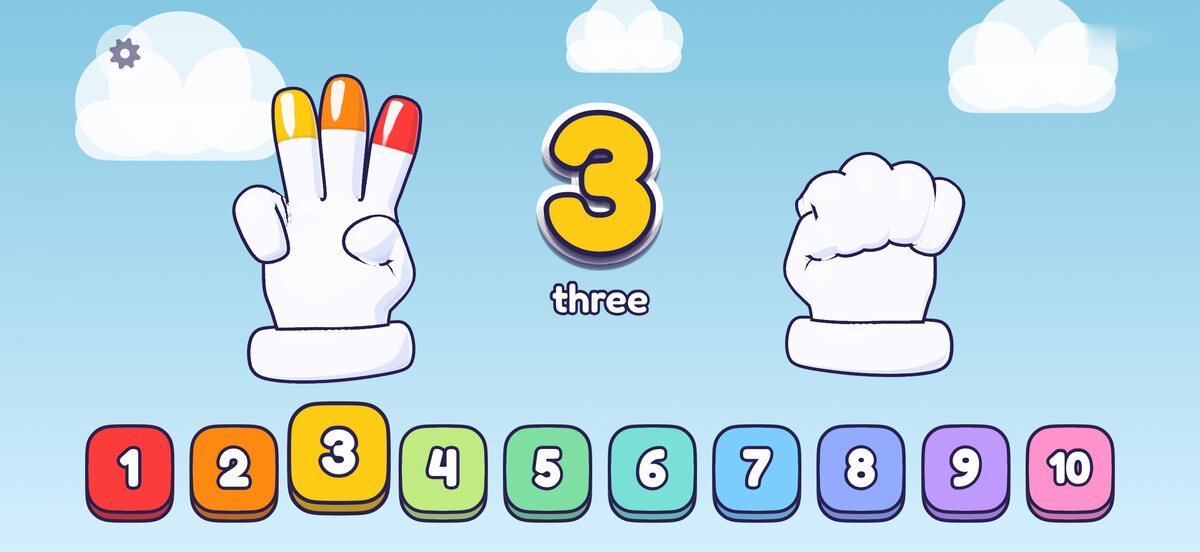
The hands count and your child copies them
Each time a finger goes up, a child's voice says the number and the fingertip fills with that number's color. When all ten are up, the fingertips make a rainbow.
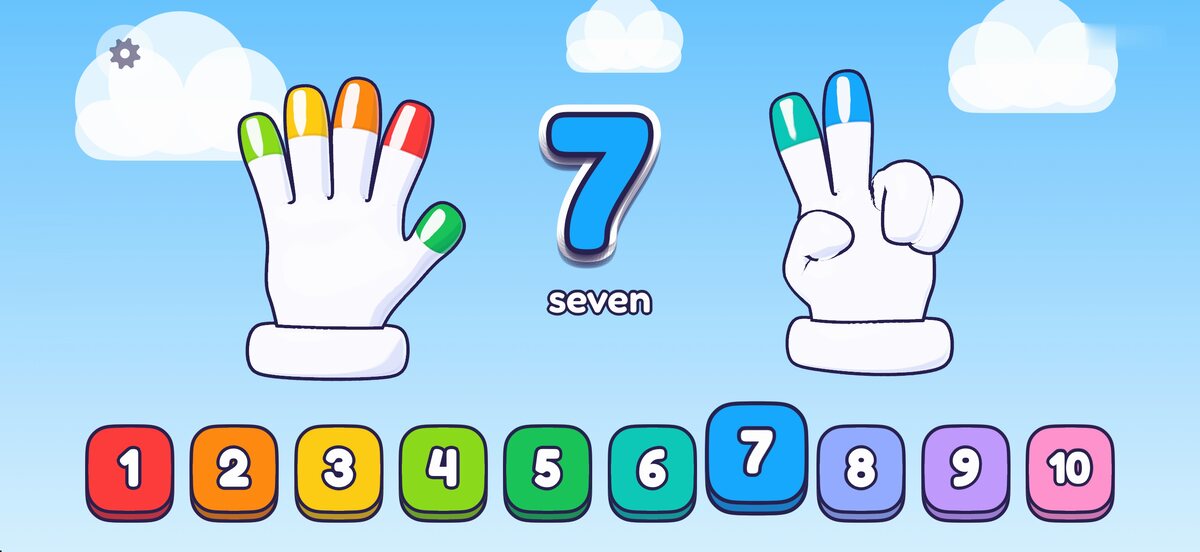
Your child can tap along or just watch
A tap anywhere shows the next number, and the number buttons along the bottom jump straight to that many fingers. When nobody touches the screen, the hands keep counting by themselves, slowly enough to copy.
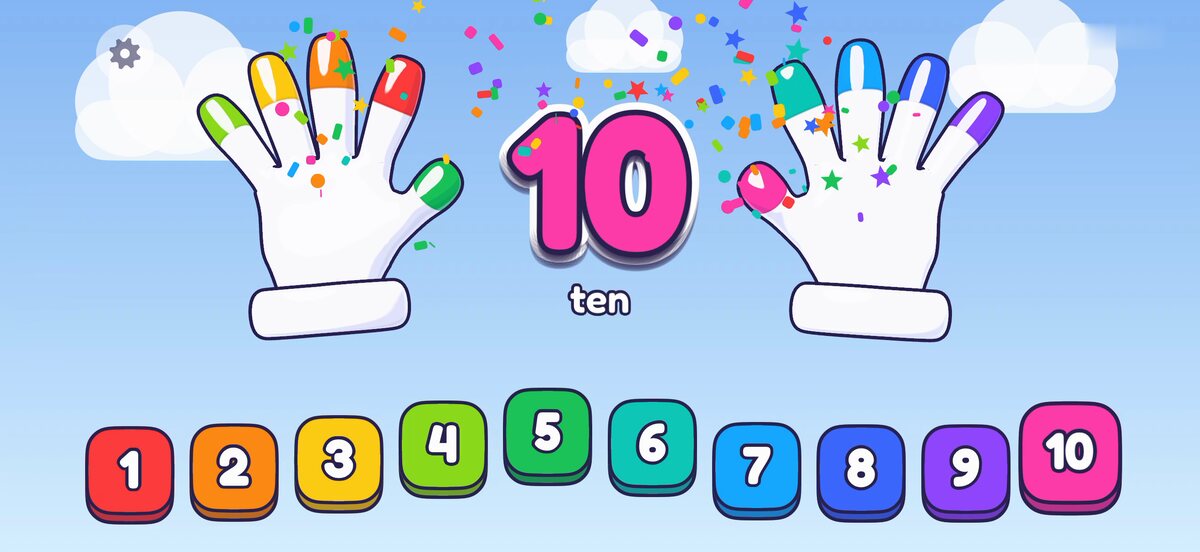
Ten ends with clapping and confetti
At ten, the hands clap, children cheer and confetti falls. Then the hands make fists and start again from one.


Made for children who can't read yet
The app says every number out loud and shows it big between the hands, so your child never has to read anything.
There are no menus to get lost in. Anywhere your child taps, something happens.
When your iPhone or iPad is in Dark Mode, the app shows a night sky, which is easier on the eyes at bedtime.

You can hand it over without worrying
You won't see any ads, and there's nothing to buy inside the app.
You don't need an account, and the app doesn't collect any data. Its App Store privacy label says Data Not Collected.
It works without the internet, so it's fine on a plane or in the car.
The settings open only when you press and hold the small gear in the corner, so a child tapping around won't open them. That's also where you can turn off the music.

Get Count To Ten for iPhone and iPad